Android's Silent Data Killer: Why Your Internet Suddenly Dies
Android's native data limit feature, designed to prevent costly overages, frequently frustrates users by prematurely cutting off internet access due to forgotten settings and discrepancies with carrier billing.
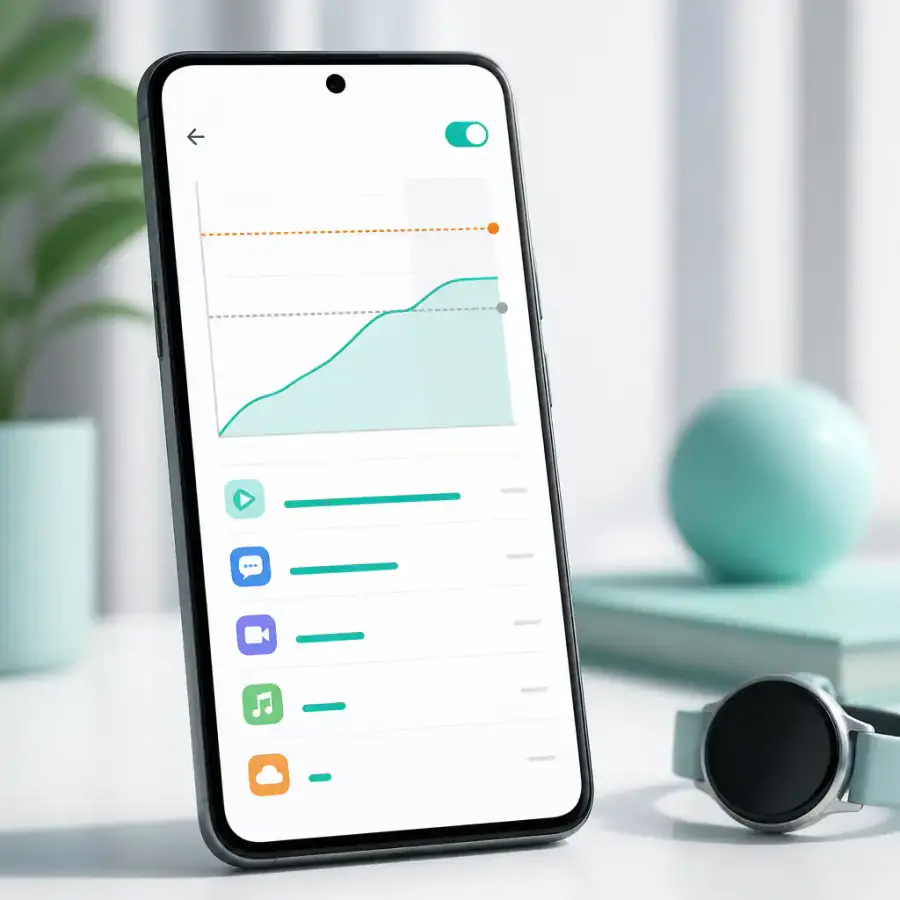
AI-generated image
Few things are as frustrating as having your mobile internet suddenly cut out, especially when you are convinced you still have gigabytes left in your plan. This common scenario, often attributed to network issues or an exhausted data plan, frequently stems from an overlooked feature within Android itself: the data limit setting. While intended to shield users from unexpected overage charges, this often-misunderstood mechanism can become a silent antagonist, prematurely severing connectivity and leaving users puzzled.
This feature allows Android devices to automatically disable mobile data once a predefined threshold is met, a limit that may have been set months ago. While seemingly straightforward, its implementation and a lack of clear guidance mean many are caught off guard, experiencing a sudden loss of internet that feels more like a bug than a feature.
The Unseen Trap of 'Helpful' Limits
The Android data limit is fundamentally a protective measure, designed to help users manage their mobile data consumption and avoid those dreaded extra charges. The system allows users to set a warning threshold, prompting an alert when data usage approaches a certain level, and then a hard limit that automatically turns off mobile data entirely as detailed by How-To Geek. This can be configured to reset with your monthly billing cycle, providing a seemingly robust defense against overspending. In our view, this dual system of warning and hard cut-off is a powerful tool, if used correctly.
However, this well-intentioned feature often acts as an unseen trap. The core problem lies in the potential for the phone's internal data measurement to differ significantly from the carrier's official billing count, which is the only one that truly matters for your bill. Factors such as zero-rated apps (where some data usage doesn't count against your plan), carrier rounding practices, or differing methods of tracking background data usage can create discrepancies as detailed by How-To Geek. This means your Android device might declare your data allowance exhausted and cut off connectivity, even if your carrier still shows several gigabytes remaining. This disconnect leads directly to user frustration and confusion, making what should be a helpful feature feel punitive. For instance, if your carrier provides unlimited social media usage, your phone's tracker might still count it against your set limit, leading to an early shutdown.
Another frequent culprit is an outdated billing cycle setting. While Android allows you to configure the date of the month when your data limit resets as noted by Tom's Guide, if this doesn't perfectly align with your carrier's cycle, your phone might cut off data days before your actual plan renews. This small misalignment can cause significant inconvenience, especially when mobile data is critical.
Beyond the Hard Limit: Deeper Control for Savvy Users
The data limit is just one layer of control Android offers. To truly master your mobile data and avoid sudden disconnections, users should leverage other native tools. One essential feature is Data Saver mode, found in your device's network settings. This mode limits background data usage for all apps simultaneously, providing a crucial safeguard against applications silently consuming data when not actively in use as explained by en.androidayuda.com. You can even create a whitelist of essential apps that need continuous background access, ensuring critical communications like messaging or email remain uninterrupted.
For more granular control, Android allows users to restrict background data for individual applications. This is particularly useful for data-intensive apps like video streaming services or social media that might update feeds or download content without your direct interaction according to en.todoandroid.es. By disabling background activity for these apps, content will only be updated when you open them, giving you predictable notifications and significant data savings. Furthermore, configuring app updates to occur only over Wi-Fi through the Play Store settings is a simple yet effective way to prevent large downloads from eating into your mobile allowance. For those on 5G plans, considering a preference for 4G/LTE when data is low can also help, as higher speeds often encourage higher quality (and thus larger) downloads and streaming.
When Native Tools Aren't Enough: Third-Party Solutions and Carrier Apps
While Android's default settings are quite capable, they can sometimes be basic for users with complex data plans or specific tracking needs. This is where third-party data manager apps can shine, offering more comprehensive information and granular control. Apps like My Data Manager, for example, quietly run in the background to track data plans, offering features such as pre-paid or recurring plan setup, billing cycle configuration, and even tracking of zero-rated apps or rolled-over data as noted by How-To Geek. Other options like DataEye offer data-saving modes and traffic-blocking features.
However, it's crucial to remember that the most reliable information regarding your data usage for billing purposes will always come from your carrier. We strongly recommend installing your carrier's official app if available. This app will provide the definitive account of your data consumption, aligning with the figures that will appear on your monthly bill. This step is vital to avoid any
No topics yet: start the first one.
More stories
Vivo X Fold 6's European Gambit: Is the €2,199 Price a Bold Play or a Misstep?
Vivo is entering the highly competitive European foldable market with its X Fold 6 at a premium price, signaling ambition but facing significant hurdles against established players.

Flagship Phones of 2026: Why Polished Evolution Trumps Revolution
The high-end smartphone market of 2026, headlined by the iPhone 18 Pro, Galaxy S26 Ultra, and Pixel 11, clearly demonstrates an industry focused on refinement and loyalty, not radical innovation.

Honor Magic 9's Chinese Triumph Signals a Shifting Android Landscape
The Honor Magic 9 series' unexpected sales surge in China isn't just a win for the brand; it marks a significant resurgence that could redefine the competitive dynamics among Android heavyweights and even challenge Apple's dominance.