Mac.apk: The Risky Road to Android Apps on Your Mac
While the 'Mac.apk' project promises seamless Android app integration on macOS, its appeal for convenience must be weighed against significant security and stability considerations.

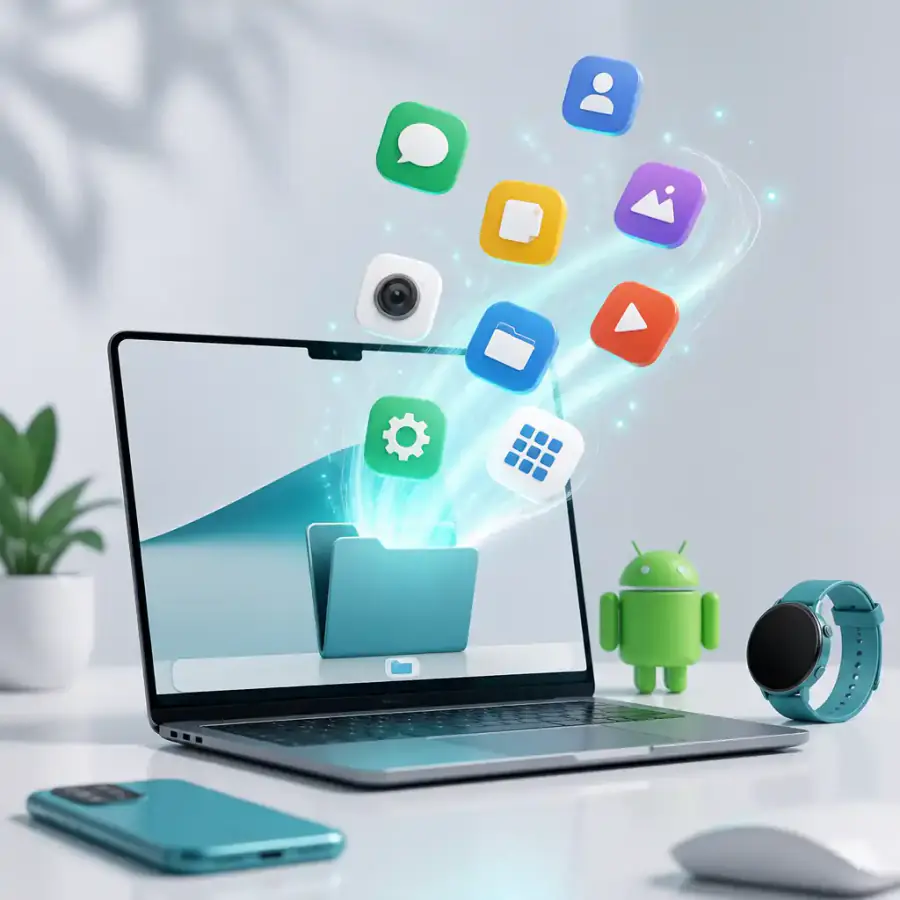
AI-generated image
Imagine your Mac seamlessly running Android apps, side-by-side with its native macOS counterparts. This isn't a distant dream, but a recent development that promises to bridge the long-standing divide between two mobile worlds. For years, Mac users have often wished for a simple way to bring their favorite Android-exclusive tools or games to macOS, as traditional solutions typically involved clunky emulators or complex virtual machines, often compromising performance or user experience. This is the intriguing, if potentially perilous, promise of the new "Mac.apk" project.
Recently, the tech world started buzzing about this project, which claims to install Android apps directly into the macOS Applications folder, making them behave like any other native Mac application, as AppleInsider reports. This development has quickly captured the imagination of users tired of platform restrictions, particularly those eyeing specific games or utilities available only on Android devices. It's a compelling step towards a more unified computing experience, challenging the long-held boundaries between mobile operating systems and desktop environments.
Bridging the Platform Divide with a Shortcut
The allure of Mac.apk is undeniable: it offers a direct pathway to Android apps without the traditional overhead of virtualization or emulation. Previously, running Android applications on a Mac meant wrestling with solutions like Android Studio's emulator, primarily designed for developers, or third-party emulators such as BlueStacks, which have progressively optimized their performance for Apple Silicon Macs, as noted by pCloudy. These tools, while effective, often felt like workarounds rather than seamless integrations. A Reddit user's desire to play an Android-exclusive game on their M1 MacBook highlights this long-standing user need for direct APK support.
The Mac.apk project, by contrast, promises to bypass these intermediary layers, presenting Android apps as if they were built for macOS. This approach could significantly enhance convenience, enabling users to access a broader range of software directly from their dock or Applications folder. For those who juggle multiple devices or simply prefer the macOS environment for productivity, the idea of having a cherished Android app available natively on their Mac represents a significant leap forward in cross-platform utility.
The Unseen Costs: Security and Stability Concerns
While the convenience factor of Mac.apk is high, the implications for security and stability are considerable and, in our view, warrant serious caution. Installing any unofficial software, particularly applications from unverified sources, inherently sidesteps the established security protocols of official app marketplaces like Google Play and the protective measures of macOS Gatekeeper. This practice opens the door to potential risks such as malware, privacy breaches, and system vulnerabilities.
Users must consider that sideloading APKs from unknown sources could expose their Mac to applications that have not been vetted for malicious code or excessive permissions. Moreover, projects lacking official backing often don't provide consistent update mechanisms, meaning apps could quickly become outdated and expose users to unpatched security flaws. Furthermore, the stability of an Android application running through an unofficial conversion project on macOS is far from guaranteed. Users might encounter unexpected crashes, compatibility issues, or features that simply do not function as intended, potentially degrading the overall user experience and system reliability.
Performance: Native Promise Versus Reality
The promise of running Android apps "natively" on Apple Silicon Macs, without an emulator, is certainly attractive, particularly for performance-intensive applications like games, a point raised by a Reddit user building such a solution. Emulators, even those optimized for Apple Silicon, introduce a layer of abstraction that can impact speed and responsiveness. BlueStacks, for example, has made strides in offering native support for Apple Silicon, leading to improved performance. However, "native" integration via projects like Mac.apk could theoretically offer even greater efficiency by minimizing translation layers, potentially delivering a smoother and more responsive user experience for Android applications on Mac hardware. The true test will be how well these converted apps manage system resources and integrate with macOS, potentially revealing a trade-off between convenience and optimized performance.
Ultimately, while Mac.apk offers an appealing solution for Mac users eager to expand their app horizons, we advise a cautious approach. The convenience of easy Android app access must be carefully balanced against the inherent security risks and potential stability concerns associated with unofficial software. For many, the established, albeit less direct, methods of emulation may still be the safer bet, especially for critical applications.
No topics yet: start the first one.
More stories
Apple Music on Android: Why Feature Parity Changes Everything for Spotify
Apple's relentless push for feature parity on Apple Music for Android signals a mature strategy to conquer new users, fundamentally altering the competitive dynamics in music streaming.